Tips
Practical tips for finding, choosing and using free images.
-
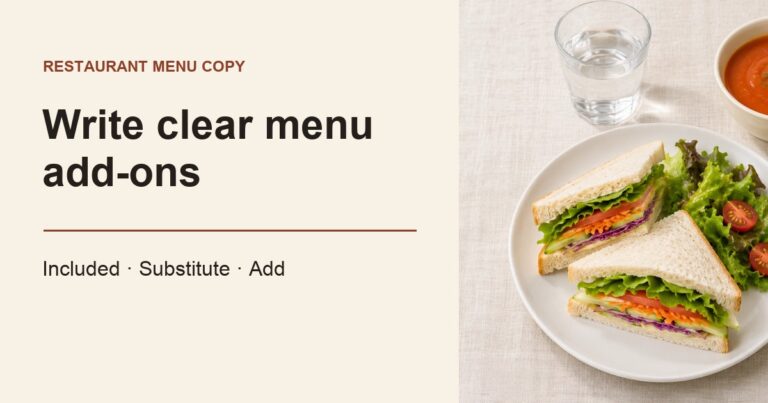
Restaurant Menu Add-On Wording: 3 Clear Examples
Use three restaurant menu add-on wording examples to show what’s included, what gets replaced, and what an extra serving costs.
-
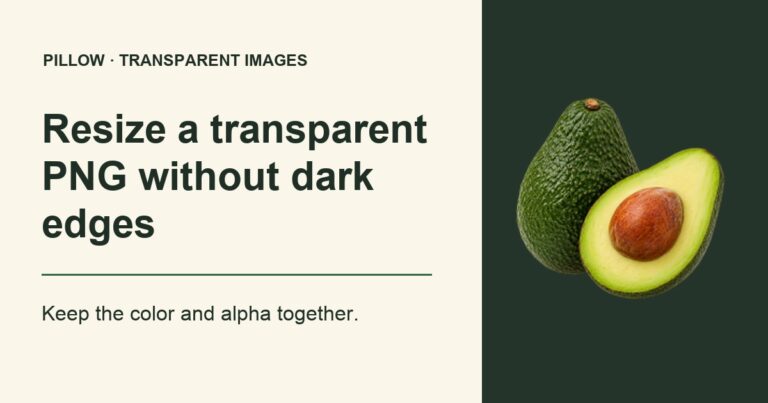
How to Resize a Transparent PNG Without Dark Edges
Resize a transparent PNG in Pillow while keeping color and opacity together. See a measured edge comparison and copy the tested Python code.
-
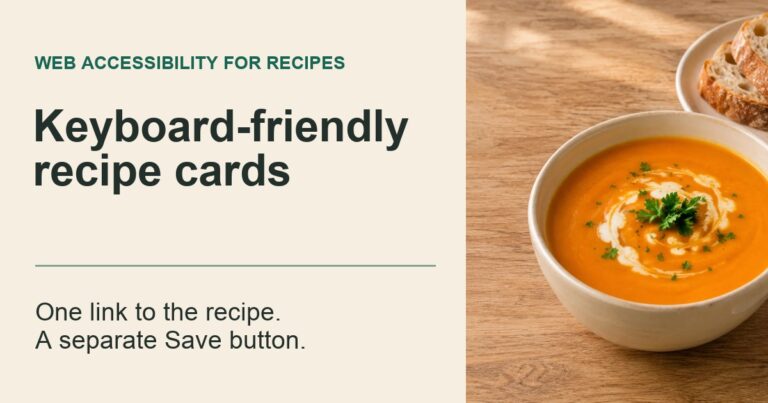
How to Build a Keyboard-Friendly Recipe Card
Combine a recipe card’s photo and title into one link and keep its Save button separate. Copy the HTML and CSS and see the tested Tab order.
-
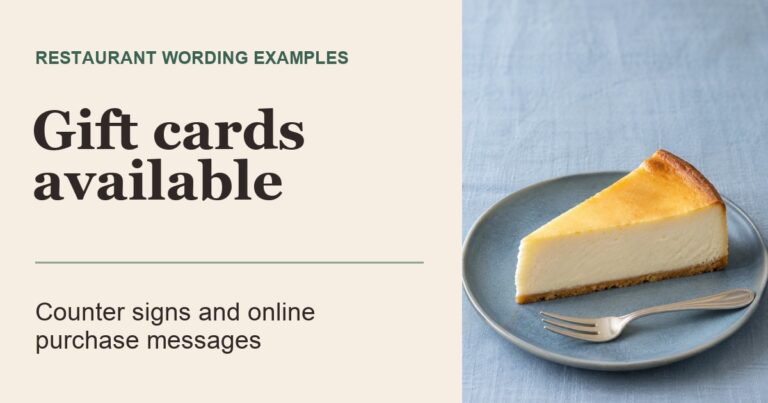
Restaurant Gift Card Wording: 3 Examples for Signs and Websites
Copy three restaurant gift card notices for physical cards, email gift cards, or both. Tell customers where to buy and how each option is delivered.
-
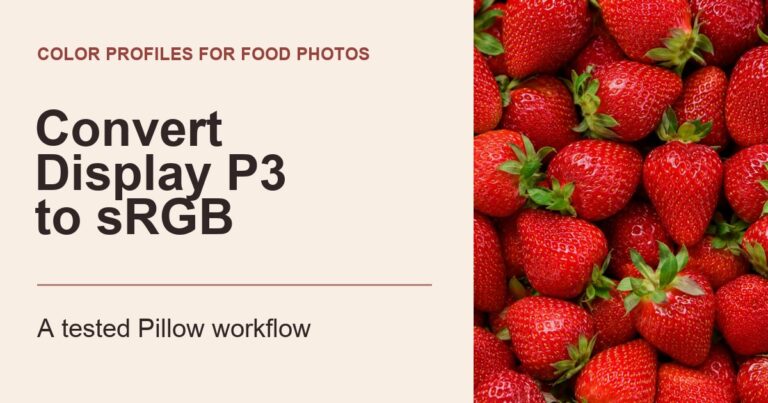
How to Convert Display P3 to sRGB With Pillow
Convert a tagged Display P3 food image to an sRGB PNG with Pillow. See a measured comparison of converting pixel values and simply assigning sRGB.
-
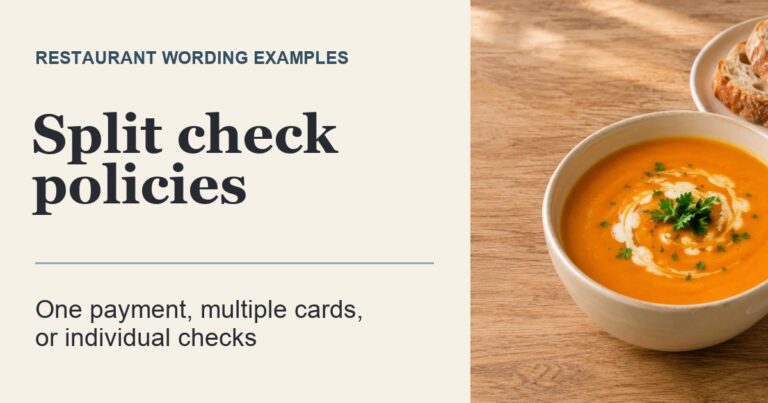
Split Check Policy Wording for Restaurants: 3 Examples
Copy three restaurant split check notices for one payment, one check paid with multiple cards, or separate itemized checks. See when to use each.
-
How to Remove EXIF GPS From a JPEG With Pillow
Remove EXIF GPS coordinates from a JPEG before posting a food photo. Copy tested Pillow code that saves a separate file and keeps the orientation and ICC profile.
-
How to Add a Color Image Placeholder With CSS
Show a solid color behind a food photo while it loads. Copy the CSS and see a browser test with the same image and frame in both versions.
-
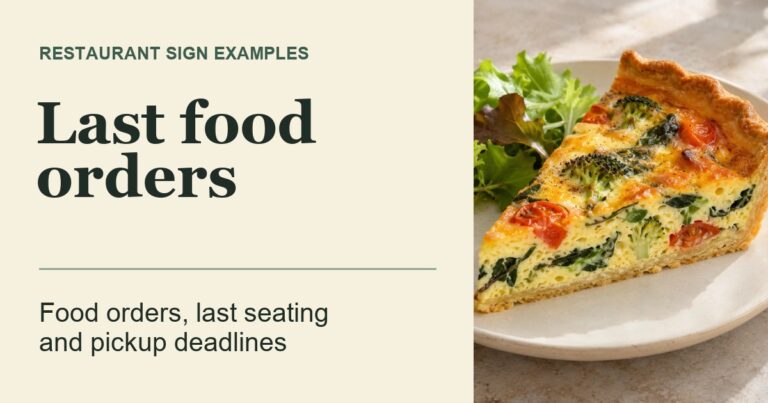
Last Food Orders: 3 Restaurant Sign Examples
Use “Last food orders at 9:00 p.m.” when 9:00 is the latest time guests can place a food order. Give the dining room’s closing time on its own line if guests can stay longer. Below are three examples you can copy for restaurant signs, menu pages, or pickup notices. The times are illustrative. 1. Food…
-
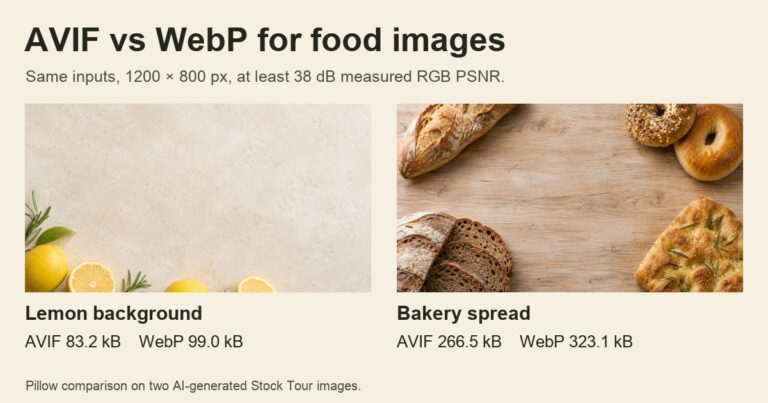
AVIF vs WebP for Food Photos: A Measured Comparison
Try AVIF when your site can serve it and you need to shrink a large food image. Keep WebP when your publishing workflow already handles it well or the file is small enough. In our two-image test at 1200 × 800, the selected AVIF files were 16.0% and 17.5% smaller than the selected WebP files…