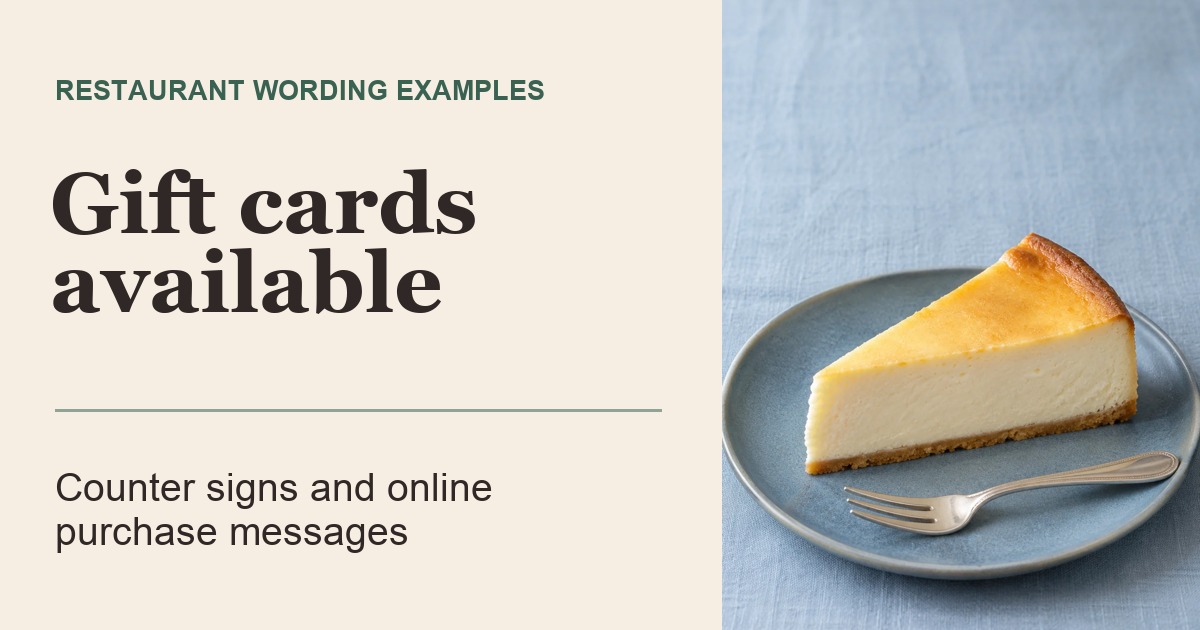
A restaurant gift card notice should tell customers what they can buy, where to buy it, and how they’ll receive it. Choose one of the three messages below for a counter sign, an email gift card page, or a page that offers both.
1. Physical gift cards sold at the counter
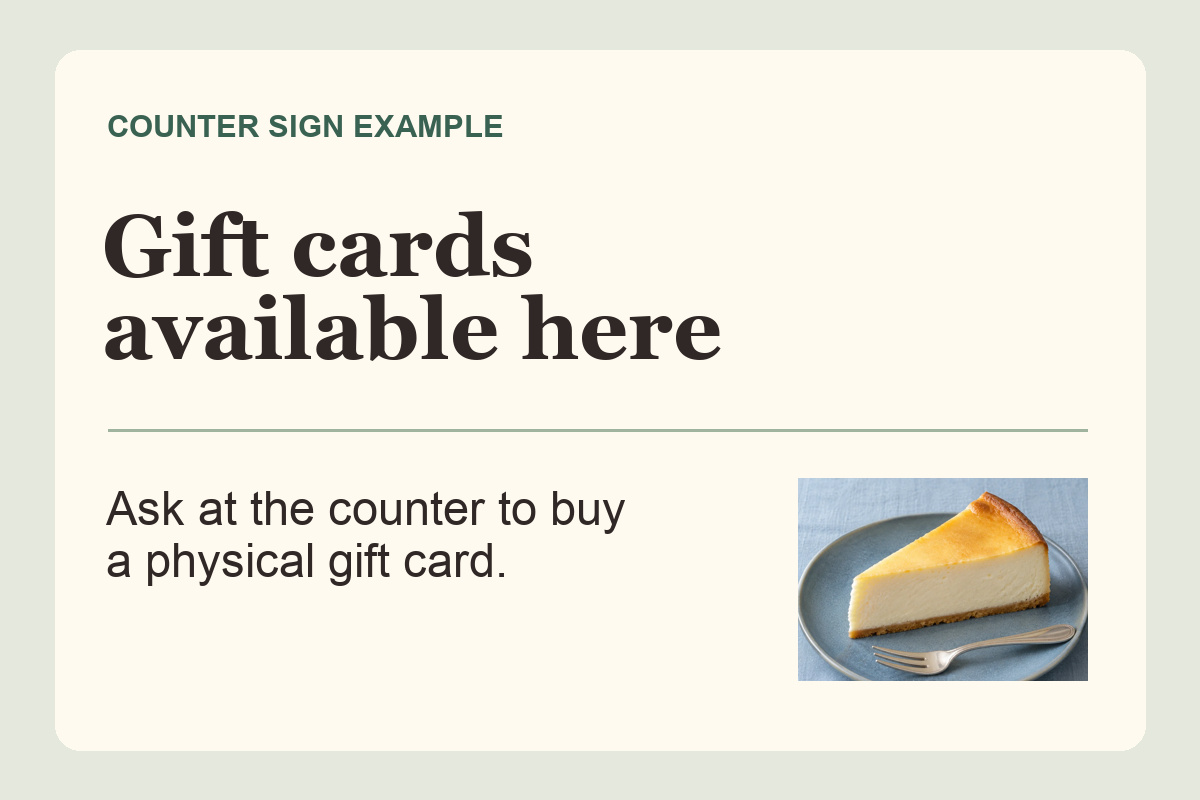
Gift cards available here.
Ask at the counter to buy a physical gift card.
Use this on a sign by the register when customers can pay for a card and take it with them. On your website, give the relevant location and counter hours if they differ from dining hours. If customers must order ahead and collect later, use “Order a physical gift card for pickup” and give them the order link or phone number.
2. Digital gift cards delivered by email
Send a digital gift card by email.
Enter your recipient’s email address at checkout.
Pair this with a button labeled “Buy an e-gift card.” Use this wording if the recipient receives the card directly. If your checkout sends it to the buyer to forward, say “We’ll email you the gift card to share with your recipient.” Mention scheduled delivery only if the buyer can choose a date. Basils Dining’s gift card page shows how to distinguish the recipient’s email address from the buyer’s.
3. Both physical and digital gift cards
Choose a physical card from our counter or send a digital gift card by email.
Place two clear actions below the sentence. Use “Where to buy a physical card” for the counter location and “Buy an e-gift card” for the digital checkout. If your physical card is mailed, label that option “Order a physical card by mail” and provide the dispatch estimate on the purchase page. Giulia’s gift card page gives separate links for its electronic and mailed options.
Check the message from a customer’s point of view
Ask someone to read the notice once and point to where they would go to buy the card, who receives it, and where it can be used. Put the participating locations and redemption instructions near the purchase choices. On a printed sign, include a short readable web address alongside any QR code. Use the same QR layout and scan checks used for restaurant menu cards to verify that the code leads to the gift card page.