Tips
Practical tips for finding, choosing and using free images.
-
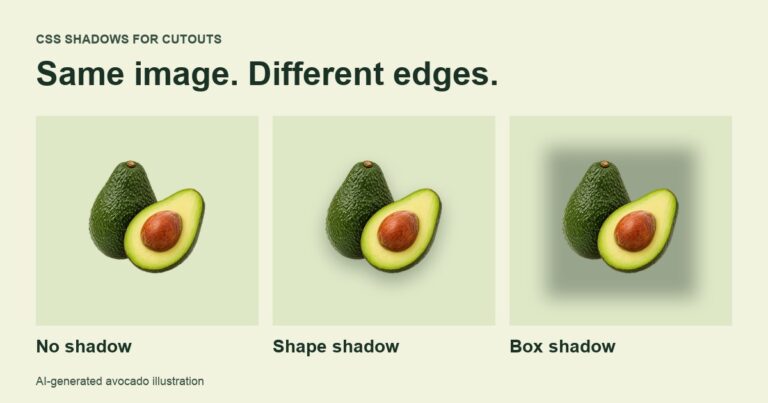
Add a CSS Drop Shadow to a Transparent Food Image
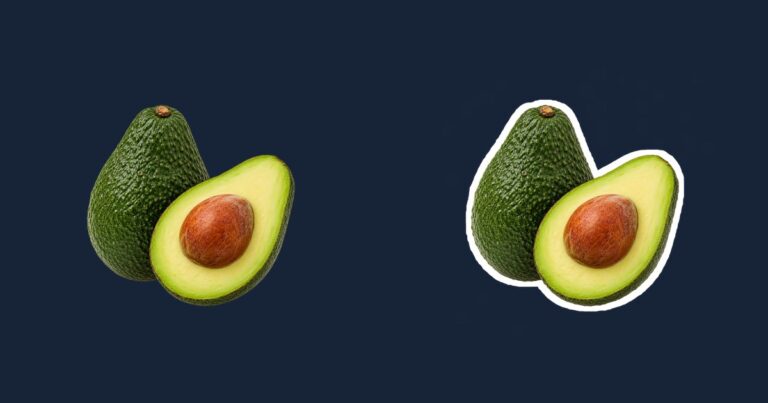
Use CSS drop-shadow on a transparent food image. Try the same avocado with no shadow, a shape shadow, and a rectangular box shadow.
-
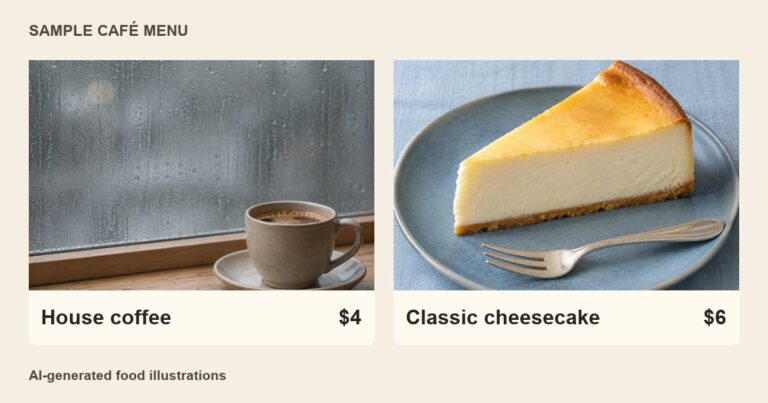
Make a Two-Column Restaurant Menu That Stacks on Mobile
Build a restaurant menu with CSS Grid that stacks when space is tight. See a working example with dish names, prices, and cropped images.
-
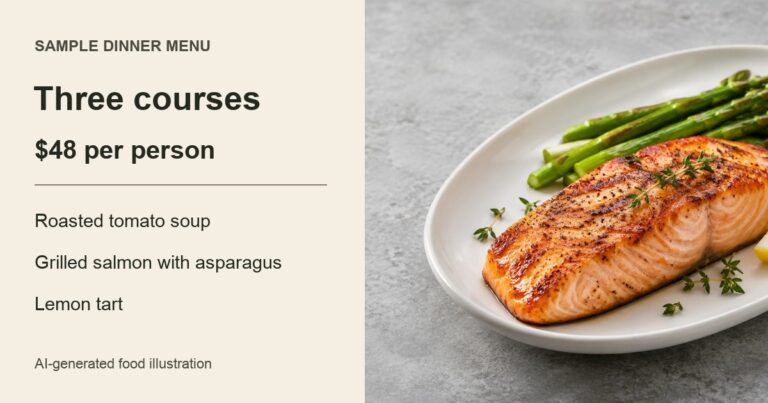
How to Write a Prix Fixe Menu with Clear Prices
Write a prix fixe menu guests can scan. Copy two English examples for a set menu and a choice of courses, with clear wording for optional upgrades.
-
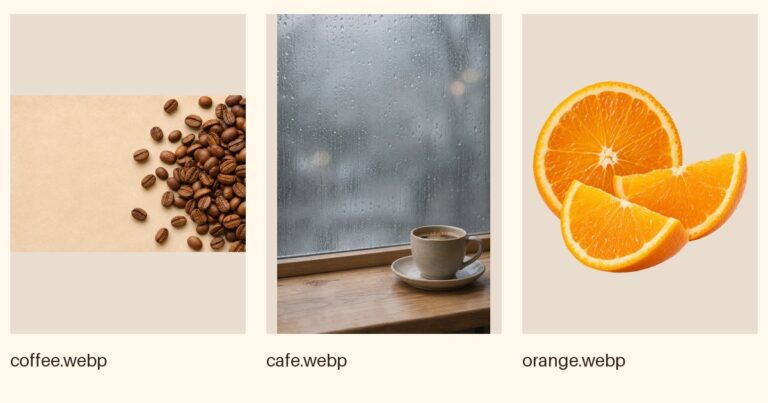
Make a Contact Sheet in Python Without Cropping Images
Make a labeled contact sheet with Pillow. Fit landscape, portrait, and transparent images into matching slots without cropping or stretching them.
-
How to Caption AI-Generated Food Images with Examples
Use three ready-to-copy captions for AI-generated food images in articles, newsletters, and social posts. See where to place the disclosure.
-
Make a Repeating Image Tile in Python with Mirror Repeat
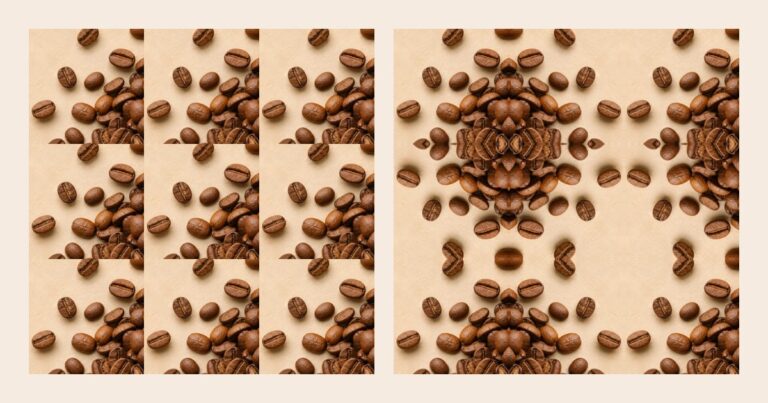
Turn a photo crop into a repeating PNG tile with Pillow. Compare a straight repeat with a mirror repeat, then use the tile as a CSS background.
-
Different Banner Images for Mobile and Desktop in HTML
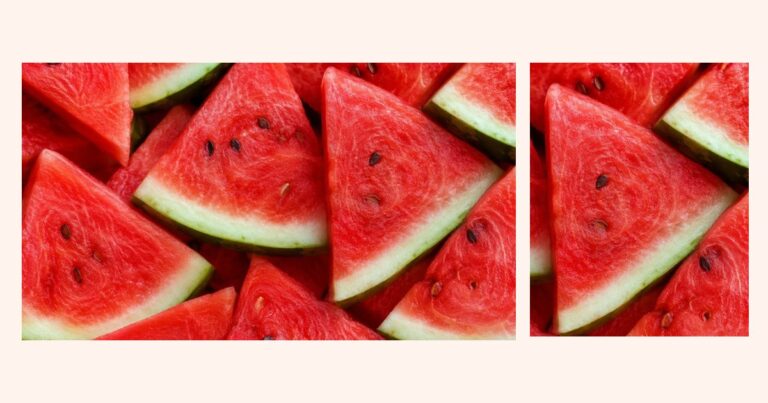
Use the HTML picture element to switch between a wide desktop banner and a tighter mobile crop. Try both with a watermelon example.
-
Add a White Outline to a Transparent PNG in Python
Add a white outline to a transparent PNG with Pillow. Follow a tested example with a food cutout, keep the corners transparent, and check the result.
-
How to Name Food Image Files for SEO Before Uploading
Name food image files for recipes and menus. See a real WebP rename, choose useful details for each filename, and check the uploaded URL in WordPress.
-
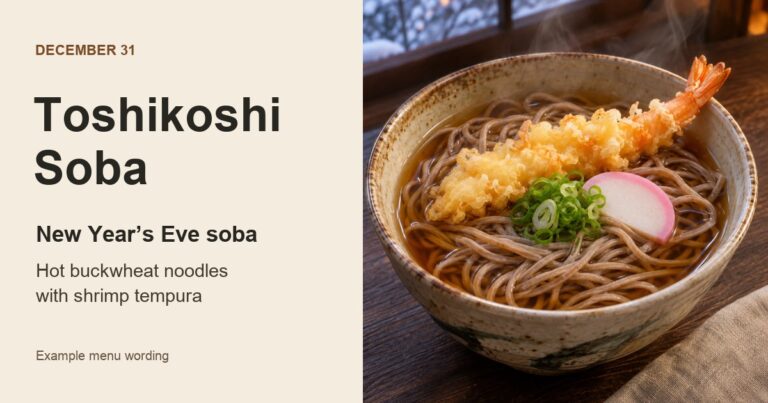
Toshikoshi Soba in English: Menu and Caption Examples
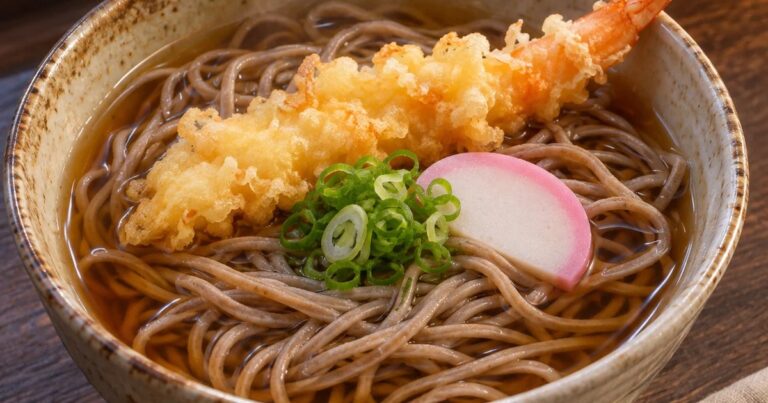
Write an English menu description for toshikoshi soba. Copy examples for hot and chilled soba, plus a short New Year’s Eve caption.