Tips
Practical tips for finding, choosing and using free images.
-
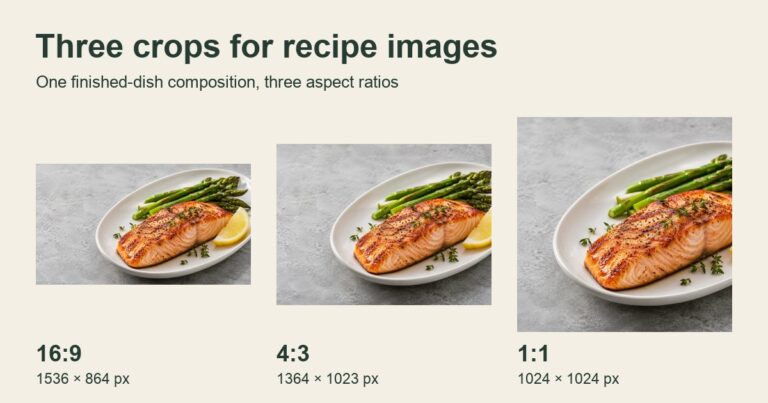
Recipe Schema Image Sizes: 16:9, 4:3, and 1:1
Prepare 16:9, 4:3, and 1:1 images for Recipe schema. Compare three crops from one source and see how to keep the finished dish in the square.
-
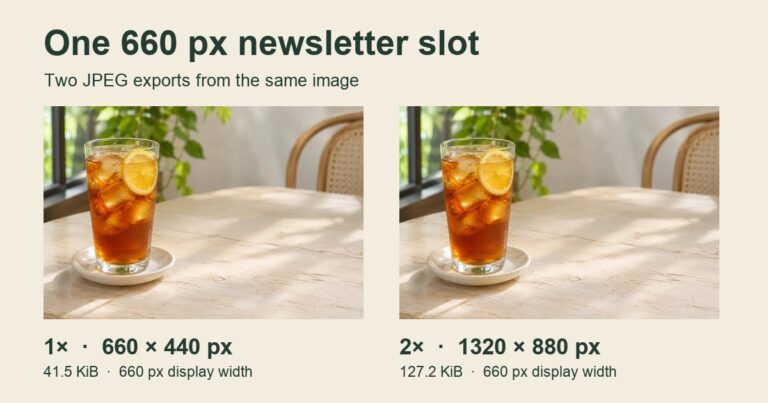
Food Newsletter Image Size for a 660-Pixel Email Block
Size a food photo for a 660 px newsletter block. Compare 1× and 2× JPEG exports and calculate the right width after padding.
-
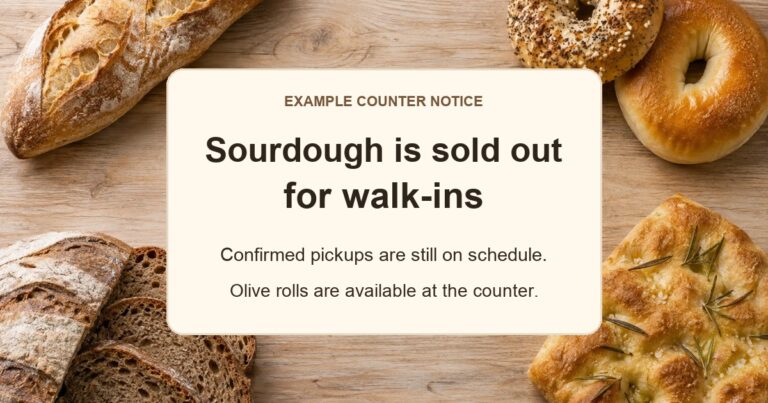
Bakery Sold-Out Notices for Walk-Ins and Online Orders
Copy three English bakery sold-out notices. Tell walk-in customers what’s gone, explain confirmed pickups, and show when online orders can resume.
-
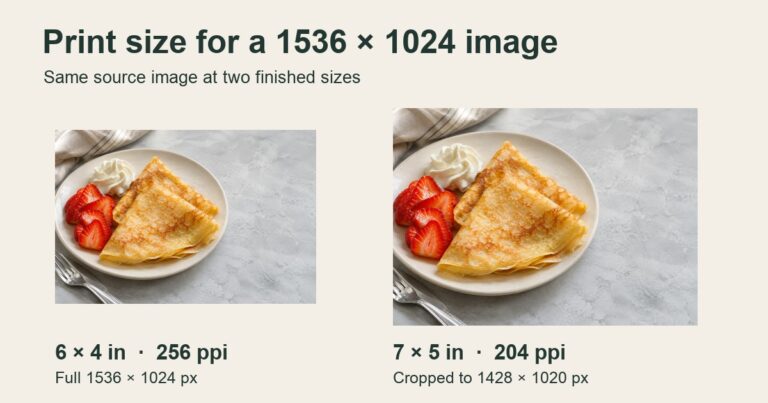
How Large Can You Print a 1536 × 1024 Food Image?
See how large a 1536 × 1024 food image can print at 300 ppi. Compare 6 × 4 and 7 × 5-inch layouts and calculate ppi after cropping.
-
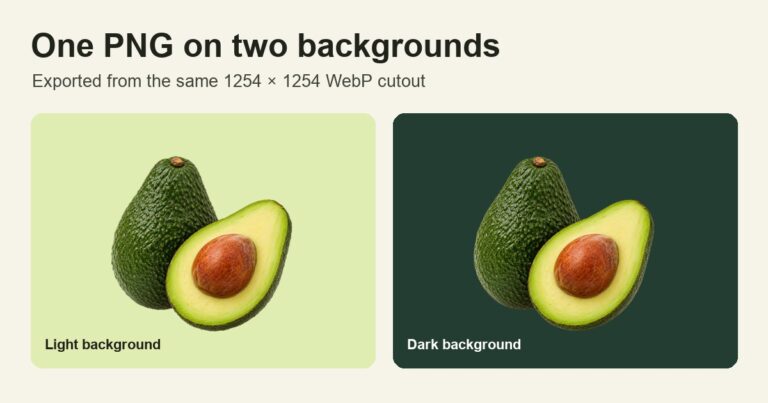
Convert a Transparent PNG to JPEG with a White Background
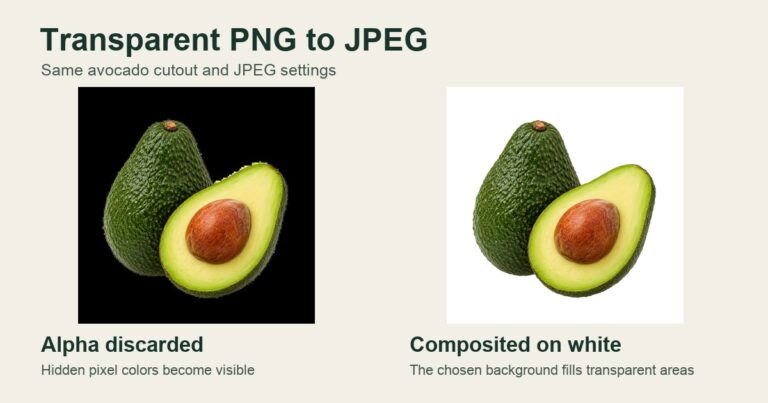
Use Pillow to flatten a transparent PNG onto white before saving a JPEG. See the measured difference on an avocado cutout.
-
How to Crop Food Thumbnails with CSS Object Position
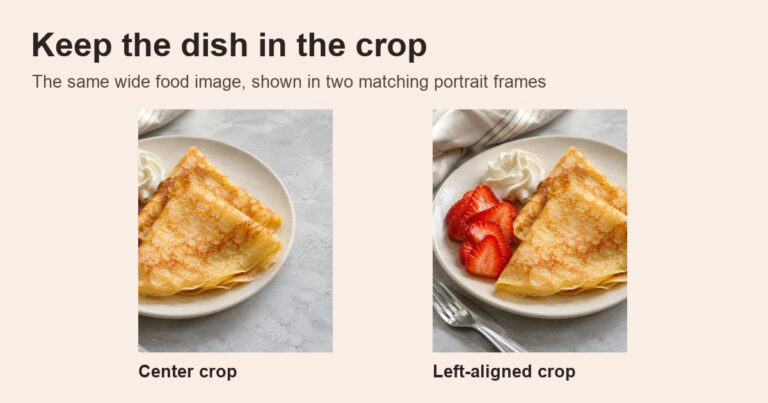
When a portrait thumbnail cuts off the food, keep object-fit: cover and move the visible crop with object-position. In the example above, aligning a wide crepe image to the left keeps the strawberries in a 4:5 card. Start with the frame and the detail you need This AI-generated crepe image is 1536 × 1024 pixels.…
-
Christmas Bakery Preorder Wording for Signs and Posts
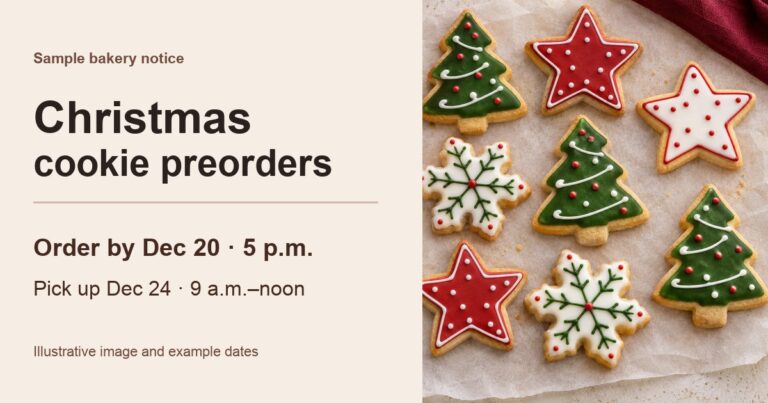
Give customers two separate lines to read: Order by and Pick up. Then tell them where to order or what to bring. These English examples use one fictional cookie-box sale across a counter sign, a social post, and a pickup email. Replace the dates, times, and shop details with your own. Counter sign: show the…
-
How to Write Alt Text for Food Images with Examples
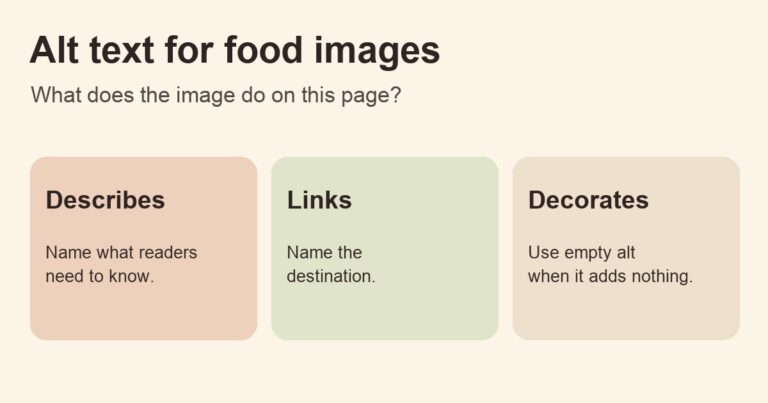
Start with the image’s job on the page. Describe what matters in a recipe photo. Name the destination when an image is the only content in a link. Use empty alt text for a decorative image whose meaning is already supplied in the same context. One AI-generated Stock Tour image used for all three examples…
-
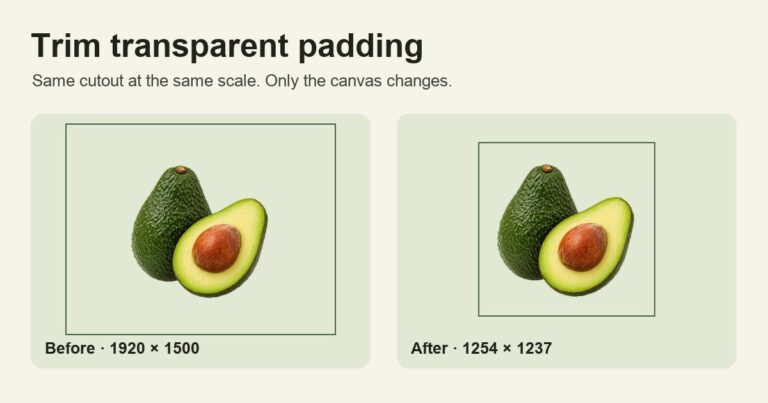
How to Trim Transparent Padding from a PNG in Python
To trim a PNG around a cutout, crop to the bounding box of its alpha channel. This removes fully transparent outer rows and columns, keeps partially transparent edge pixels, and leaves the subject at its original size. When trimming helps Some editors scale an image to fit its entire canvas. A food cutout with a…
-
Convert Transparent WebP to PNG on a Mac
If an editor or upload form needs a PNG, you can convert a transparent WebP on a Mac with the built-in sips command. Check the exported file for both its dimensions and its alpha channel, which controls transparency. 1. Start with a transparent WebP Download the WebP from its asset page. For this test, we…