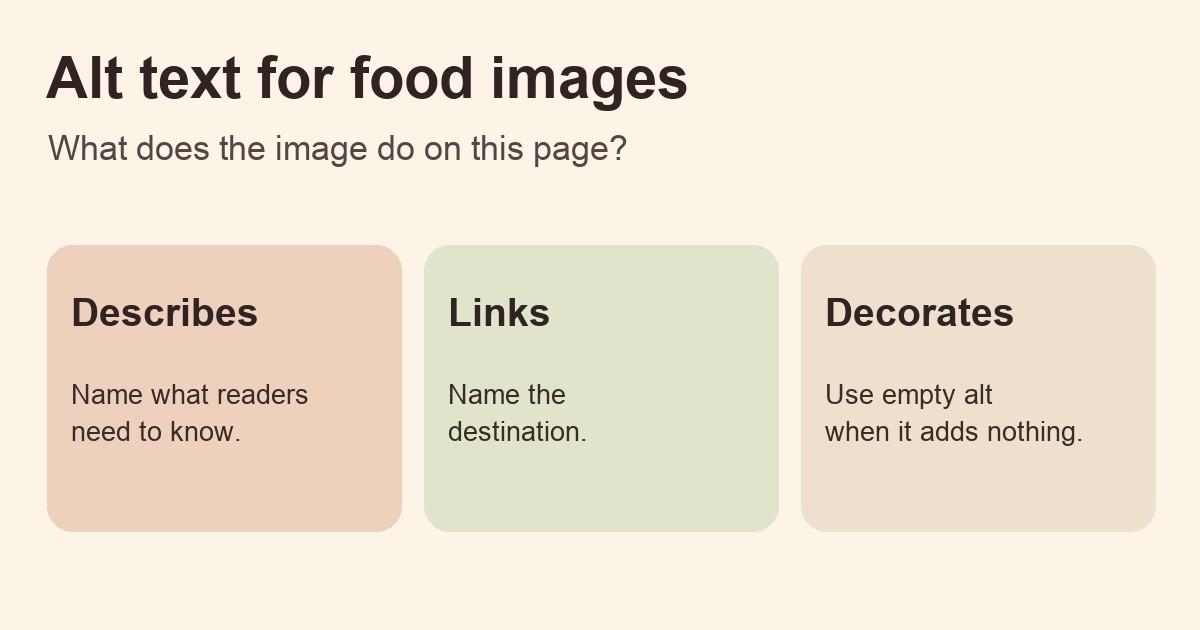
Start with the image’s job on the page. Describe what matters in a recipe photo. Name the destination when an image is the only content in a link. Use empty alt text for a decorative image whose meaning is already supplied in the same context.
1. Recipe photo: describe the useful detail
For a recipe section about serving, try alt="Folded crepes with sliced strawberries and whipped cream". The description mentions the fold and toppings because those details matter in that section. If the image shows a step, describe that step instead. Keep the description concise and leave ingredient quantities in the recipe text.
2. Image-only link: name the destination
If clicking the crepe image opens its asset page and the link contains no words, use alt="View the Strawberry and Cream Crepes image". This gives the link a meaningful name. For example, readers would reach the Strawberry and Cream Crepes asset page, where they can see the terms and get the WebP.
3. Decorative thumbnail: avoid repeating the link name
If the same link already contains “View the Strawberry and Cream Crepes image” as visible text and the thumbnail adds no useful detail, use alt="". Keep the visible words inside the link. An empty alt attribute also suits a purely decorative flourish next to a menu heading.
Check before publishing
Read the section or link name without looking at the photo. Make sure the description or destination still makes sense. Google uses alt text along with the surrounding page to understand images, so keep it specific to the image and context. See the W3C alt text decision tree and Google’s image search guide. If meaningful text appears over the photo, also make it readable in the layout and available as text on the page. See how to place readable text on food images.