Tips
Practical tips for finding, choosing and using free images.
-
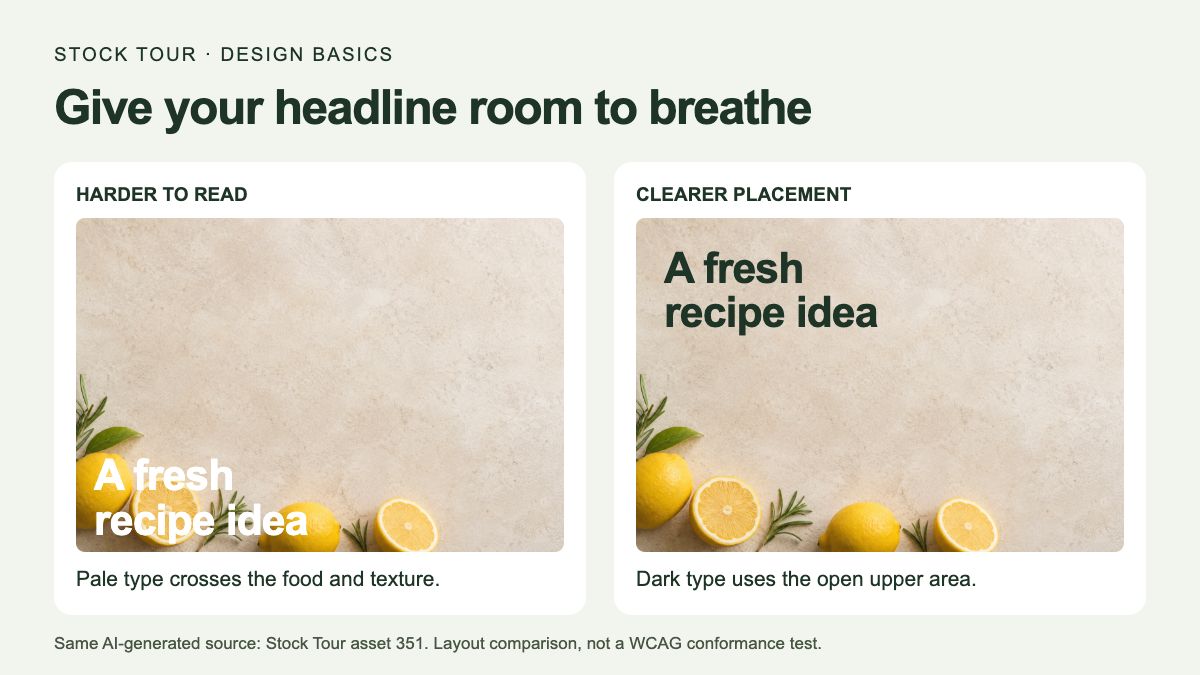
How to Add Readable Text to Food Images
To make text readable on a food image, place it in a quiet area, choose a contrasting color and check the final crop at the size readers will actually see. If the image stays busy behind every word, move the text onto a solid panel or choose a background with more copy space. This guide…
-
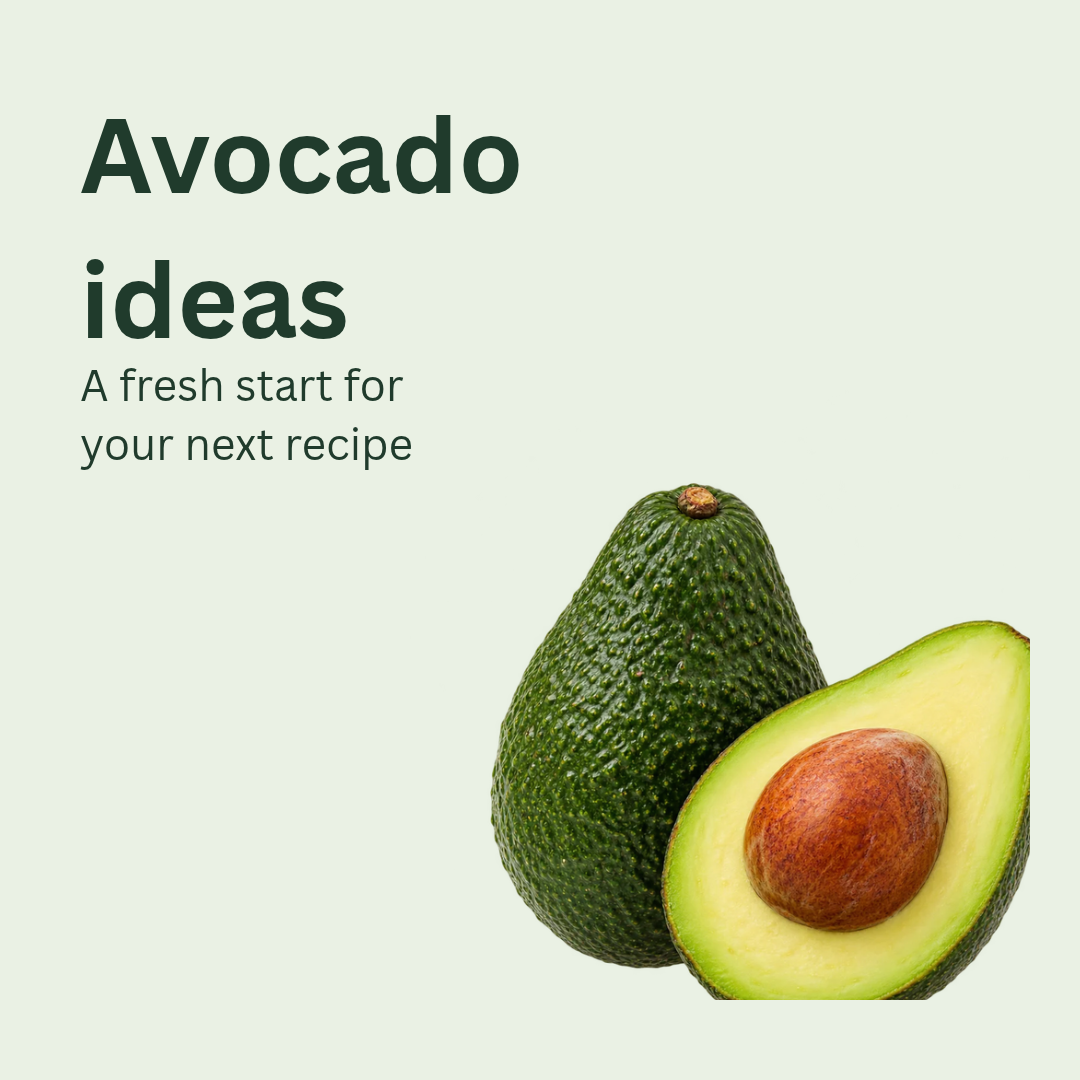
How to Use Transparent Food Images in Canva
A transparent food image lets you place an ingredient on a colored background while keeping the space around it clear. For a recipe tip, ingredient spotlight or food-themed social post, start with a ready-made cutout and give the food and your words their own space. This tutorial uses the AI-generated Avocado Cutout from Stock Tour…
-
3 Sites for Free Food Images You Can Use in Commercial Projects
For a recipe blog, café newsletter or social campaign, choose a food image that fits the layout and check what the license allows. Stock Tour publishes this guide and is one of the sites covered below. The comparison applies to images each service offers under its free license. Compare the three libraries Site What to…
-
How to Make a Recipe Blog Header Image
For a recipe header that stays readable on a phone, start with an image that leaves a clear area for the title. In this example, we’ll make a banner for a lemon and rosemary recipe. Choose the frame for your site Check how your theme crops featured images on the post and on the article…