Blog
Tips, food image collections and seasonal ideas for your blogs, websites and social posts.
-
How to Add a Color Image Placeholder With CSS
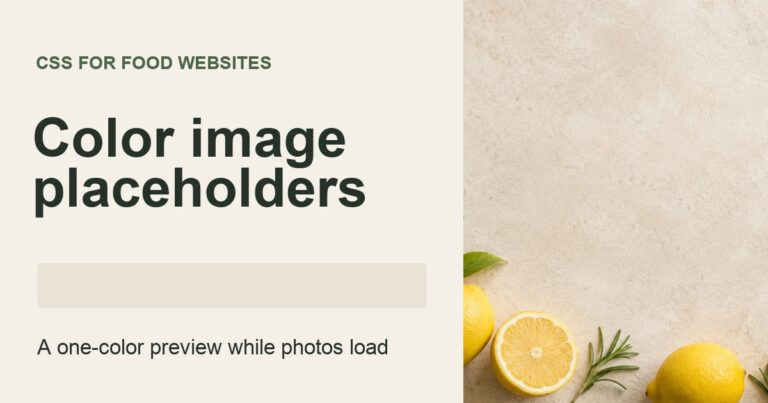
Show a solid color behind a food photo while it loads. Copy the CSS and see a browser test with the same image and frame in both versions.
-
Last Food Orders: 3 Restaurant Sign Examples
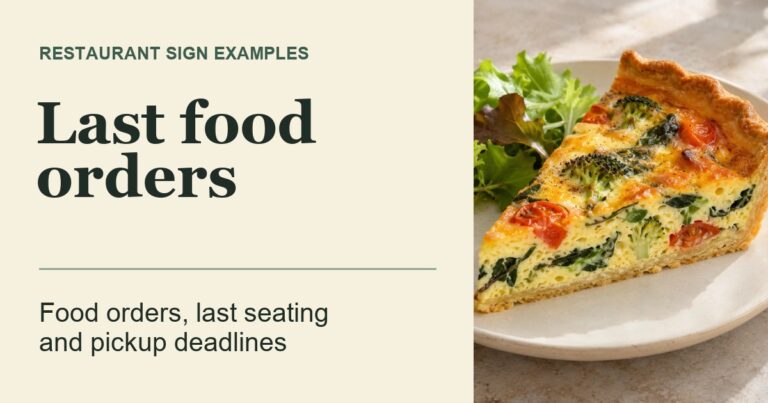
Use “Last food orders at 9:00 p.m.” when 9:00 is the latest time guests can place a food order. Give the dining room’s closing time on its own line if guests can stay longer. Below are three examples you can copy for restaurant signs, menu pages, or pickup notices. The times are illustrative. 1. Food…
-
AVIF vs WebP for Food Photos: A Measured Comparison
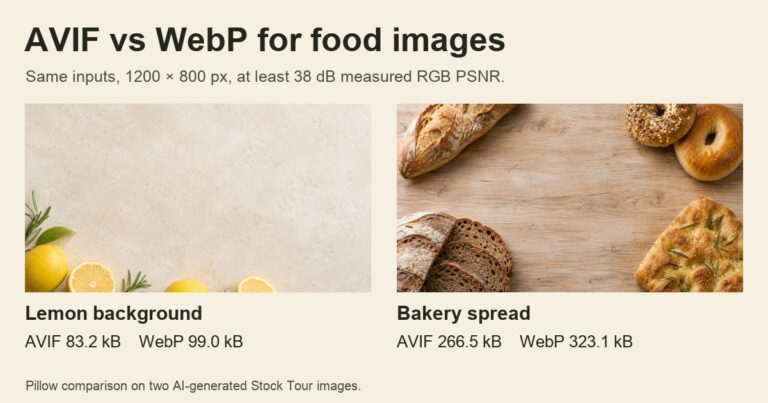
Try AVIF when your site can serve it and you need to shrink a large food image. Keep WebP when your publishing workflow already handles it well or the file is small enough. In our two-image test at 1200 × 800, the selected AVIF files were 16.0% and 17.5% smaller than the selected WebP files…
-
How to Make a QR Code Menu Card for Restaurant Tables
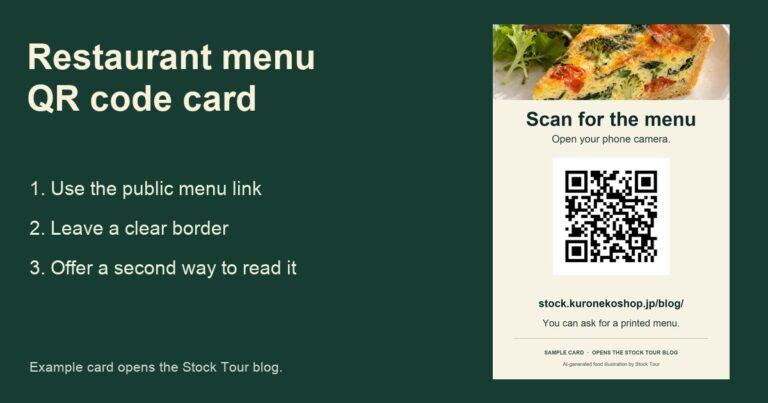
Make a restaurant menu QR code by linking to a public menu page that guests can open on their phones. Put the code on a plain panel, print the same address underneath, and let guests know they can ask for a paper menu. Test the finished card at the table before printing a batch. 1.…
-
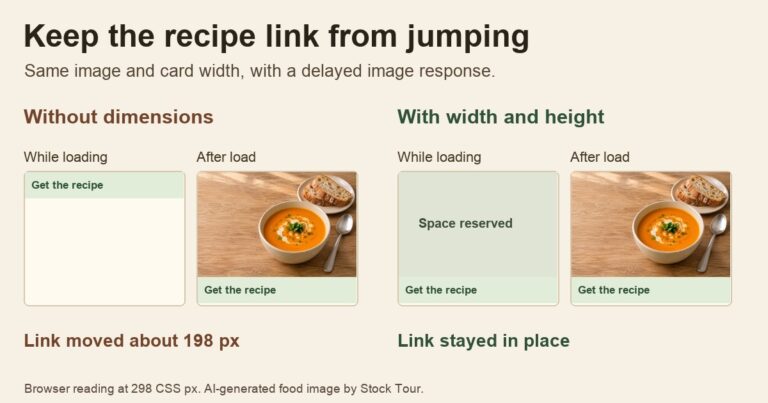
How to Prevent Image Layout Shift With Width and Height
To keep a recipe link or caption from jumping when an image loads, put the image’s width and height in the HTML. Keep the image responsive with max-width: 100% and height: auto. The two attributes give the browser the aspect ratio it needs to reserve space while the file is still arriving. See what moves…
-
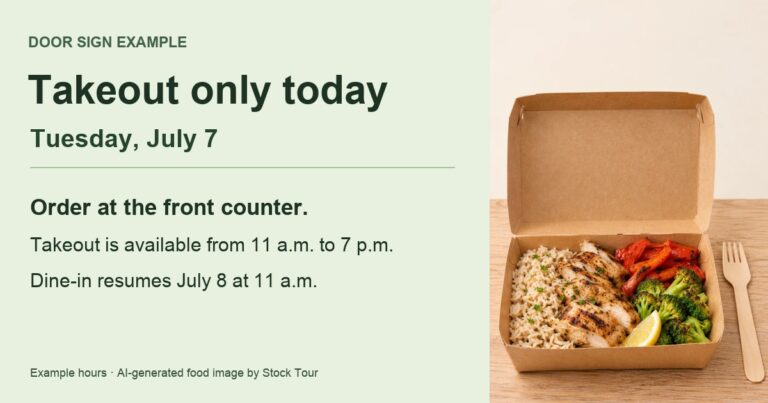
Takeout Only Sign Wording: 3 Restaurant Examples
A takeout-only sign should tell guests whether they can order at the counter, need to order ahead, or can choose delivery. Put the next action directly under the headline. If dine-in service will return, give the date and time you can confirm. The hours and store setup below are examples. 1. Takeout only today, with…
-
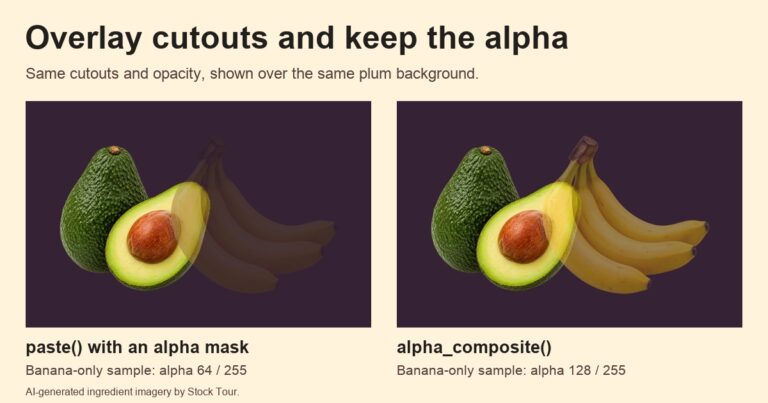
Overlay Transparent Images in Python Without Losing Alpha
Use Pillow’s alpha_composite() to stack transparent cutouts and save the result as one PNG. Build an RGBA canvas, place the back image first, then add the front image at its destination coordinates. The areas outside the cutouts stay clear. Why the same cutout can look too faint On an RGBA destination, paste(overlay, position, overlay) uses…
-
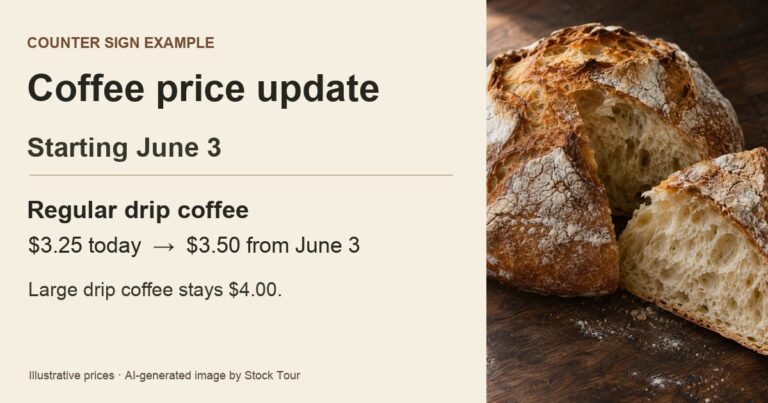
Restaurant Menu Price Increase Notice: 3 Examples
A menu price increase notice should tell guests which items change, what they will pay, and when the new prices start. Use a short counter sign for one item, a list for several updates, and a personal reply when a customer asks which price applies to an order they already placed. The dates and prices…
-
Make a Portrait Photo Landscape Without Cropping in Python
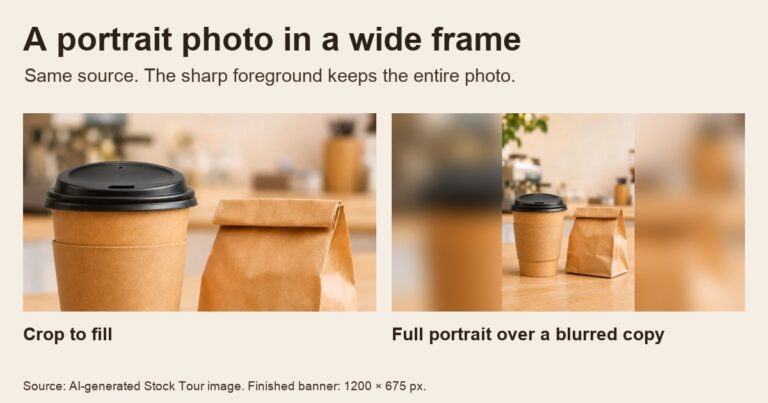
To turn a portrait food photo into a landscape JPEG without cutting off the subject, fit the whole photo into the new frame and fill the sides with a blurred copy. In this Pillow example, a 1024 × 1536 portrait becomes a 1200 × 675 banner. The cup, bakery bag and tabletop stay visible in…
-
How to Make White Text Readable Over Images in CSS
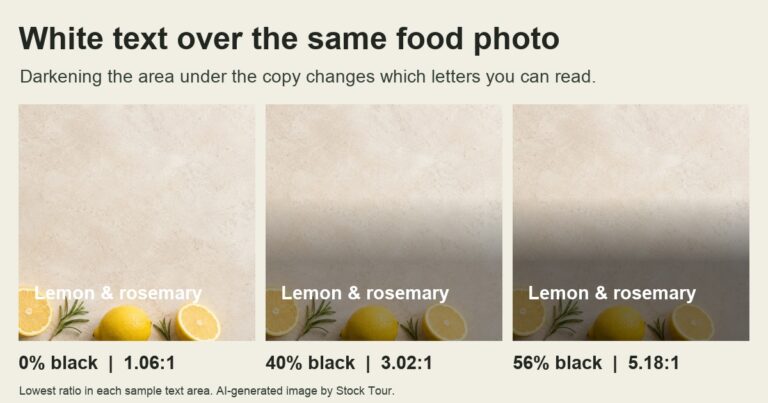
To make white text readable over a background image, put the whole caption on a dark layer and fade that layer into the photo above the words. To start, try a 56% black layer with pure white text. Keep the same opacity behind every line, including when the text wraps on a phone. Compare three…