A menu price increase notice should tell guests which items change, what they will pay, and when the new prices start. Use a short counter sign for one item, a list for several updates, and a personal reply when a customer asks which price applies to an order they already placed. The dates and prices below are examples.
1. Counter sign for one price change
Use the product name customers see on the menu. If only one size changes, name that size and say what happens to the other.
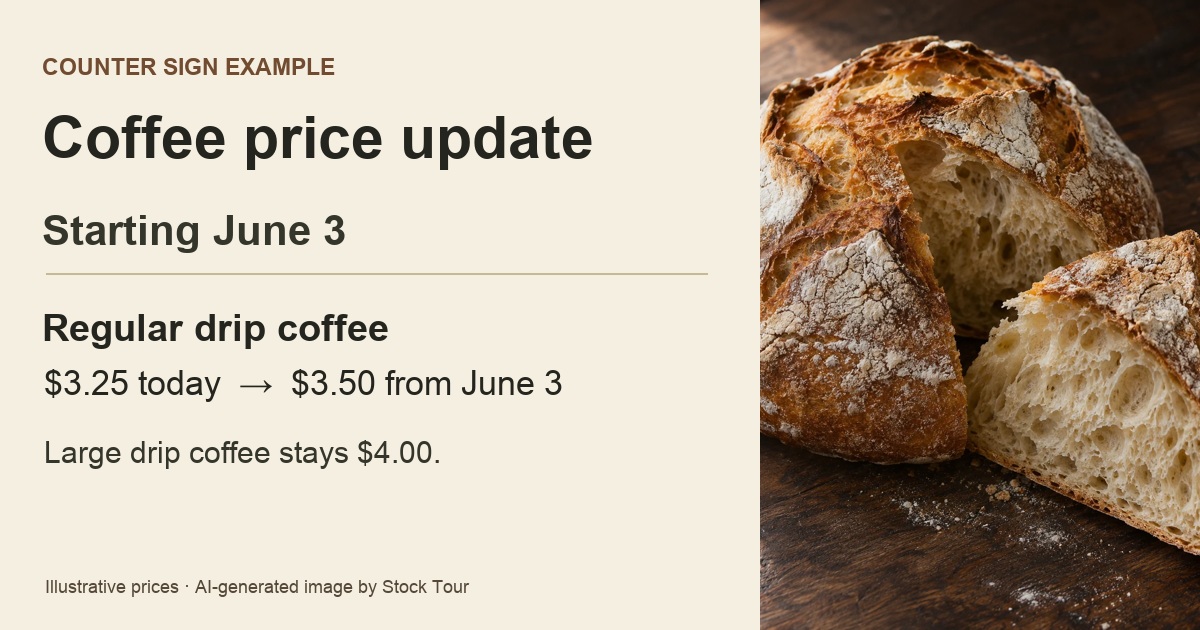
Coffee price update starting June 3
Regular drip coffee is $3.25 through June 2 and $3.50 from June 3. Large drip coffee stays $4.00. Thank you for stopping by.
Beside the till, give the item, effective date and new amount the largest type. If you add a reason, use one short sentence that reflects what changed at your shop. Here is how to place readable text on a food image if you are making a graphic as well.
2. Website notice for several menu items
Show the new price beside each exact item. Say which menu or location the notice applies to. If the same item has different prices in the shop and through a delivery app, label the channel rather than reusing one list in both places.
Café menu price update from June 3
The following prices apply to new orders placed at our café from June 3:
- Regular drip coffee — $3.50
- Butter croissant — $3.75
- Coffee and croissant set — $6.50
For all other items, please see our in-store menu.
When a bundle appears alongside single items, use the same wording on the menu and at checkout. If you are also changing a set menu for several courses, see how to state the price per guest and optional extras.
3. Reply to a customer with a confirmed order
Check the actual confirmation before you reply. In this example the café has confirmed that the customer’s original price will stay in place. Include the pickup date and total so the customer can identify the order.
Subject: Your June 7 pastry order
Hi Jamie, thanks for checking. Your pastry box for pickup on June 7 is still $28, as shown in your confirmation. The June 3 price update applies to new pastry box orders. We’ll see you on June 7.
Check the prices guests will actually see
Before the new prices go live, compare the printed menu, online ordering page and register. Check one affected item, one unchanged item and one confirmed order. On the start date, remove or replace images that still show the old prices. Put the date and new amounts in ordinary text wherever you share the sign image.
For real-world examples, CICON’s lunch notice separates the reservation opening date from the date the prices change, and Okutan Kiyomizu lists only the meals affected by its update. CICON’s lunch notice · Okutan Kiyomizu’s price change notice