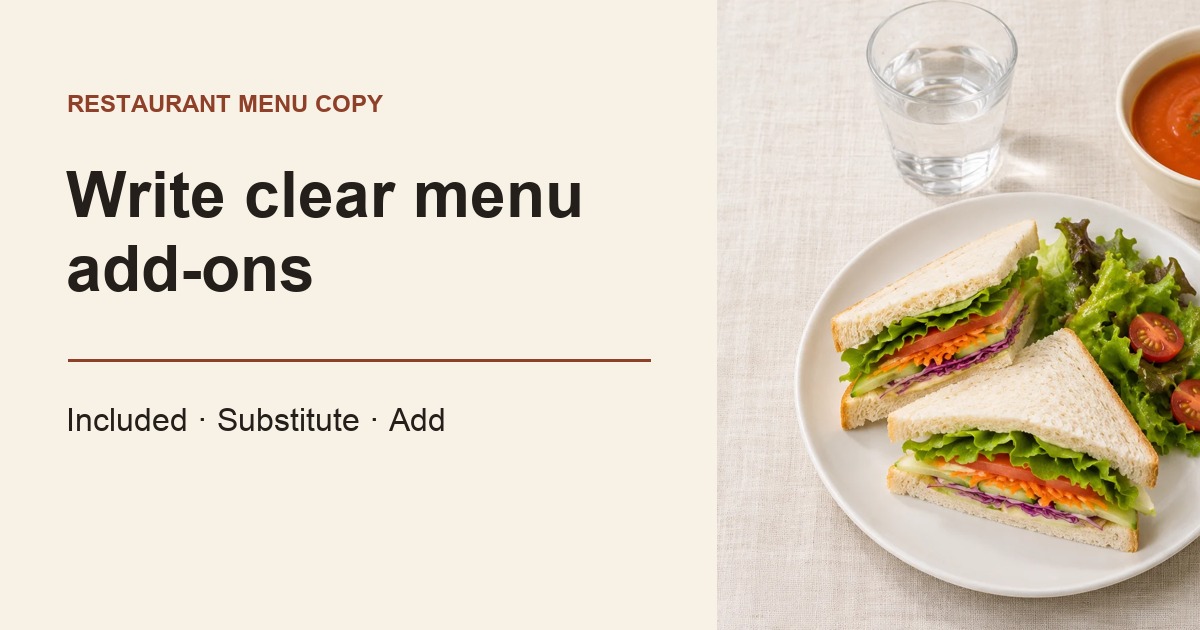
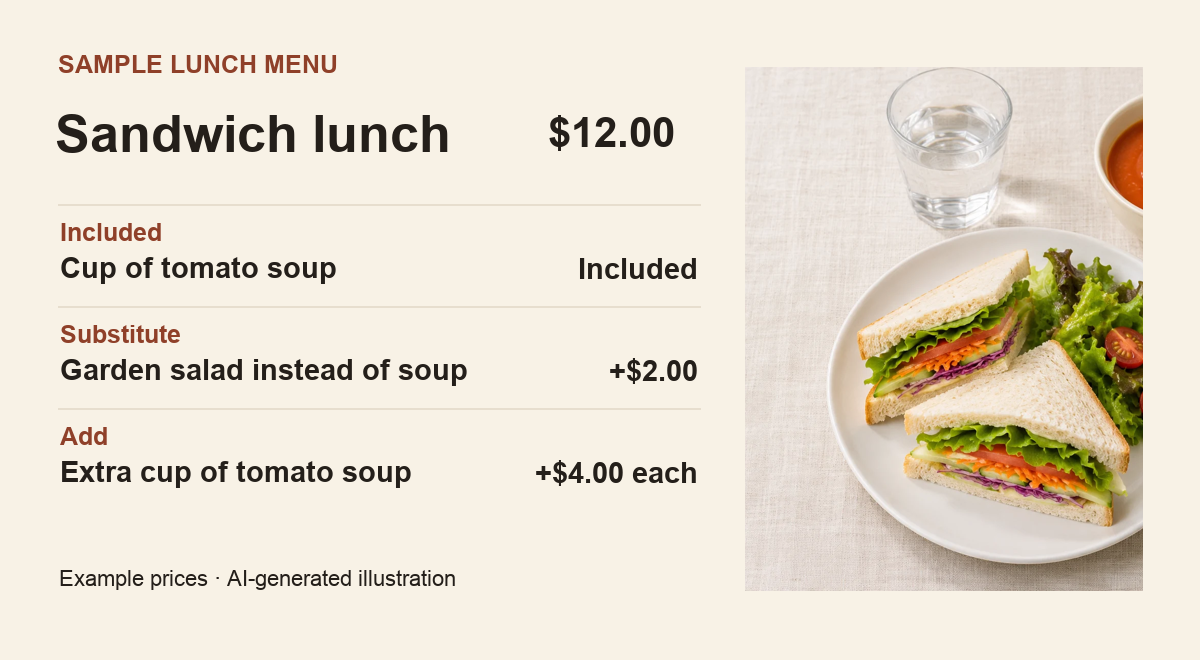
For restaurant menu add-ons, use Included for what comes with the base price, Substitute for a swap, and Add for something extra. Put the amount beside the option and say what it buys. These three examples show how one sandwich lunch can work on a printed menu or an online ordering page.
1. Say what comes with the meal
Sandwich lunch · $12.00
Includes one cup of tomato soup.
Put the included side directly under the dish name and price. If the guest chooses the side, write “Choose one included side: tomato soup or garden salad.” Use that version only when both choices are covered by the base price.
2. Make it clear when a side is replaced
Substitute garden salad for the tomato soup · +$2.00
The guest gets the sandwich and salad for $14.00 and the soup is removed. Naming both sides makes the swap clear. “Garden salad +$2.00” on its own leaves the reader guessing whether the salad replaces the soup or comes alongside it.
3. Show what the add-on price covers
Add an extra cup of tomato soup · +$4.00 each
The guest keeps the included soup and receives another cup. One extra cup brings the example to $16.00. If guests can select two extra cups, the example becomes $20.00. Use “each” when the same price applies to every additional serving. For a separate dish shared by a table, make the serving size clear and give it its own menu line.
Check the printed menu against checkout
Read the printed menu and open the same item in your online ordering preview. Try the base meal, the swap, and the extra serving. Compare the item names, selection limits, displayed prices, and what lands on the order ticket. The dollar amounts above are examples before any applicable tax.
Square calls item-level options modifiers. Toast’s guide to modifier groups explains how to attach choices to a dish or a group of dishes. The examples above are customer-facing copy you can adapt to either kind of menu.
For a set meal with several courses, see how to show included choices and upgrades on a prix fixe menu.