Use a single strawberry to mark a menu flavor, a frame full of berries for a promotion, or strawberry halves to show a recipe step. The three free WebP files are the same size, so the choice comes down to what needs to stay visible after cropping.
Whole berry for a compact label
A single berry gives a small label one clear focal point. Start with a square crop, keeping the green cap and berry tip inside the frame. Put the flavor name next to the image so it still reads at thumbnail size.
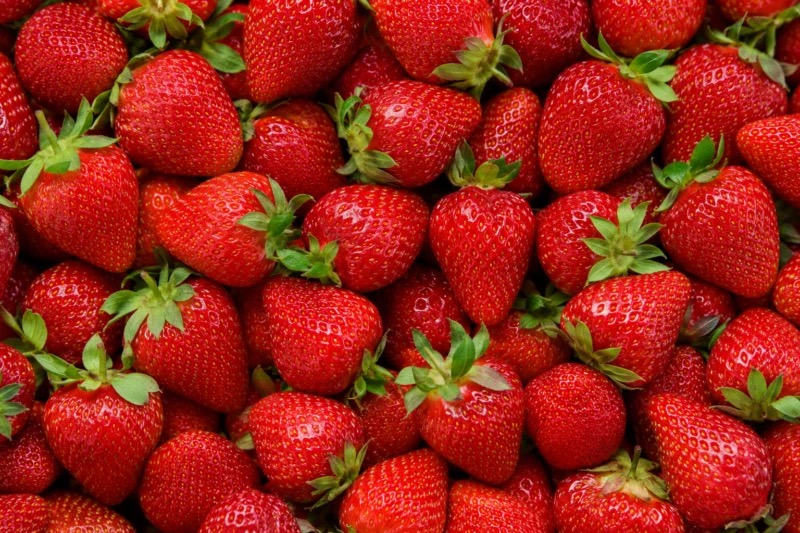
Full frame for a banner
The berries fill this frame, so there is no quiet corner for tiny type. For a banner, use a solid strip below the picture for the headline or price. The same approach works for an email where a wide banner may display much smaller on phones. For more options, see how to place text on food images.
Halves for a recipe step
Use the cut fruit when a recipe asks readers to halve berries for a tart or parfait. Keep at least one complete cut face in the crop. A gallery of plated dessert images can help with a finished-dessert menu; use an image of your own serving when it needs to show exactly what guests will receive.
See the same square crop on two images
Strawberry Week
Strawberry Week
Download the original files
Open the image detail page and select Download WebP. Each file is 1536 × 1024 pixels. These AI-generated illustrations are available for personal and commercial projects under the Stock Tour Asset License.