Use these four free cooking prep images to show what happens before a dish reaches the plate. Choose chopped vegetables or tomato sauce for a wide frame, baking ingredients for a vertical layout, or cookie dough for a square tile. Each image links to a full-size WebP download.
1. Use a cutting board image to introduce prep
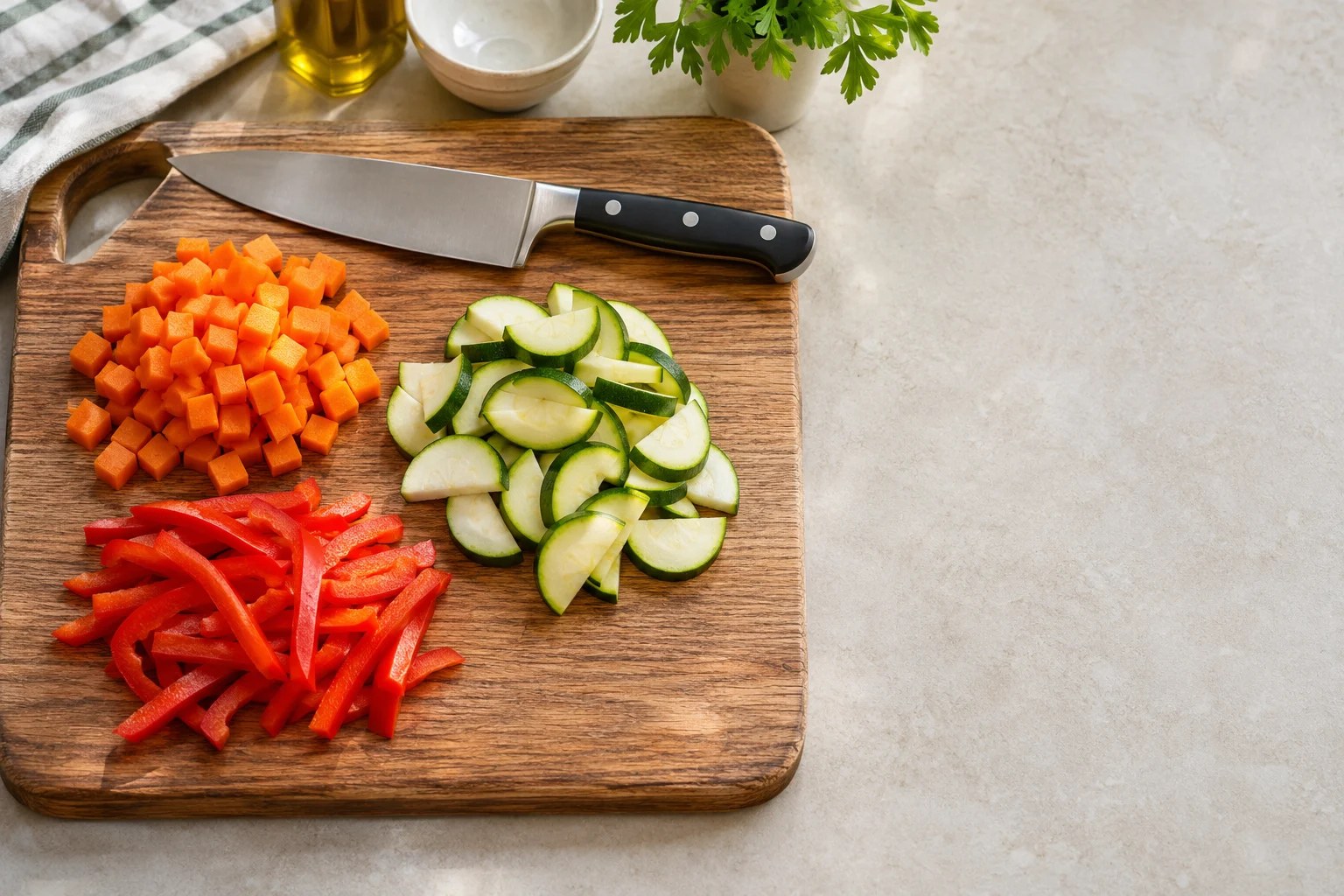
Show the ingredients just before they go into the pan. The carrot cubes, zucchini slices, and pepper strips give an editor several recognizable shapes to work with in a wide header or a meal-prep newsletter. Keep the full board in the frame when the point is that several ingredients can be prepared in advance. If your recipe calls for a particular cut, show that cut using a real photograph from your kitchen.
2. Show the baking setup before mixing
Use this vertical image for a baking checklist or a reminder to set out ingredients before starting. The whisk gives readers an immediate clue about what happens next. If you are making a vertical graphic, try a short heading such as “Before you start” in the space above the ingredients. Put your ingredient list and measurements in the body of the email or post, where readers can copy them.
3. Use the dough tray for a before-baking example
The overhead tray shows chocolate chip cookie dough before it goes into the oven. It fits a square tile for an article about make-ahead baking or a newsletter about a cookie weekend. When a recipe depends on how far apart the portions are, show the actual tray from your test batch. The spacing and size in this illustration should serve as visual context only.
4. Use a saucepan image to illustrate a simmer
A saucepan and spoon communicate cooking in progress. Use this landscape image beside a section about stovetop sauce or as a banner for a pasta planning guide. Keep the spoon and enough of the pan to make the stage clear at thumbnail size. When the reader needs to judge thickness or see how the sauce coats a spoon, a photograph or short clip of the recipe will show that detail more clearly.
Download the images and check the file size
Open the image detail you want and choose Download WebP. The cutting board and sauce are 1536 × 1024 pixels, the baking ingredients are 1024 × 1536, and the cookie dough is 1254 × 1254. All four are AI-generated illustrations for use under the Stock Tour Asset License, which covers personal and commercial use subject to its terms.
Use an illustration to introduce a section, then use your own step photos for any visual cues that help readers reproduce the recipe. For a lead image with a headline, see how to make a recipe blog header image.